



















DYNAMIC LINK
One link per image. No gallery to maintain.
Link from your own website to our order page with your PRO id and the image URL as parameters — your visitor lands on the order form with the artwork already loaded.
How it works
This is the simplest integration we offer, and often the most underestimated. If you already have a website with your images on it — a portfolio, a stock library, a club archive, a school gallery — you do not need to upload anything to Pictorem or maintain a second catalogue. You just need a link.
Add your PRO id and the address of the image to our order page URL, and the visitor who clicks it arrives on the order form with that exact artwork already loaded, ready to pick a product, a size and a finish. The order is placed on Pictorem, credited to your PRO account, and produced and shipped under your brand.
https://www.pictorem.com/order.html?apiid=YOUR_PRO_ID&import=https://yourwebsite.com/images/artwork.jpg
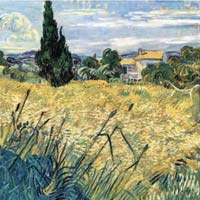
Opens the real order form with a sample artwork already loaded — this is what your visitor sees.
WHAT YOU GET
Everything after the sale, handled.
Works with thousands of images
Because the image is a parameter, one line of template code in your site turns your entire library into orderable prints — ten images or a hundred thousand.
Nothing to sync, ever
There is no catalogue on our side to keep up to date. Publish a new image on your site and its order link works immediately; remove it and the link retires with it.
No development to speak of
If you can output an image URL in your page template, you can build the link. No API keys, no authentication, no server code, no plugin.
Your visitor picks the format
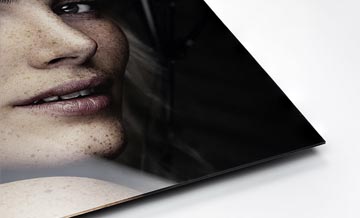
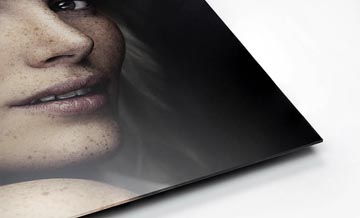
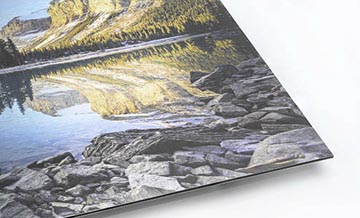
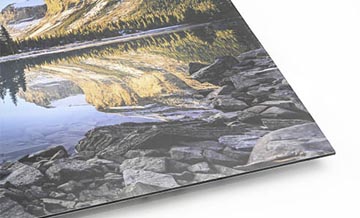
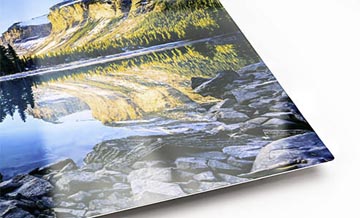
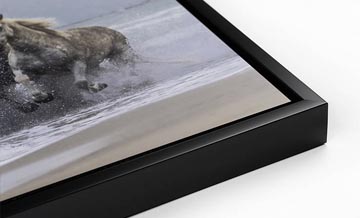
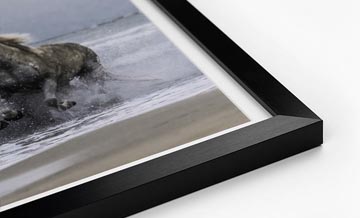
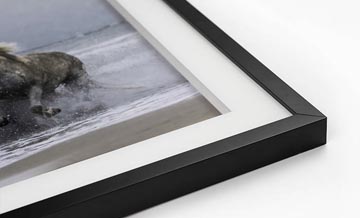
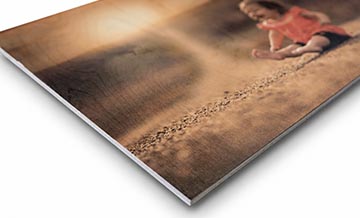
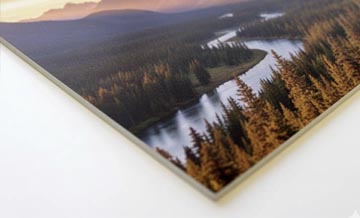
The order form offers the full catalogue — canvas, framed, acrylic, metal, wood, paper — with live pricing and a preview of the artwork on a wall.
Credited to your PRO account
Orders placed through your link are attached to your PRO id, so your rebate applies and the order appears in your account history.
Or embed it in your page
Prefer to keep visitors on your own site? The same order page can be embedded in an iframe inside your layout.
GETTING STARTED
Set up once, then forget about it.
Create your free Pictorem PRO account and note your PRO id
Add the order link to your image pages, with the image URL as a parameter
Your visitor picks a product, a size and a finish on the order form
We print and ship the order under your brand
What you need
- A free Pictorem PRO account
- Your own website with images reachable at a public URL
- Print-resolution image files — the order form checks the size for you
- Nothing else: no API key, no plugin, no gallery upload
QUESTIONS
Frequently asked questions
Do my images have to be public?
The image URL has to be reachable so the order page can load it. It does not have to be linked anywhere on your site, but it cannot be behind a login.
Does Pictorem keep a copy of my images?
Only the file needed to produce an order that was actually placed. Images that are merely linked are not added to any gallery.
Can I set my own prices with a dynamic link?
No. The visitor pays the public price and your PRO rebate applies to you. If you want to set your own retail prices, use a free Pictorem gallery or a store integration instead.
What if the image resolution is too low?
The order form checks the file against the size chosen and warns before checkout, so nothing gets printed too small to look right.
Can I keep the customer on my own website?
Yes. Embed the order page in an iframe inside your own layout, or open it in a new tab — both work with the same link.






Need help deciding?



Ready to print under your brand?
CREATE A FREE PRO ACCOUNTGet 15% Off
Create a free Pro account and unlock your discount now.
